
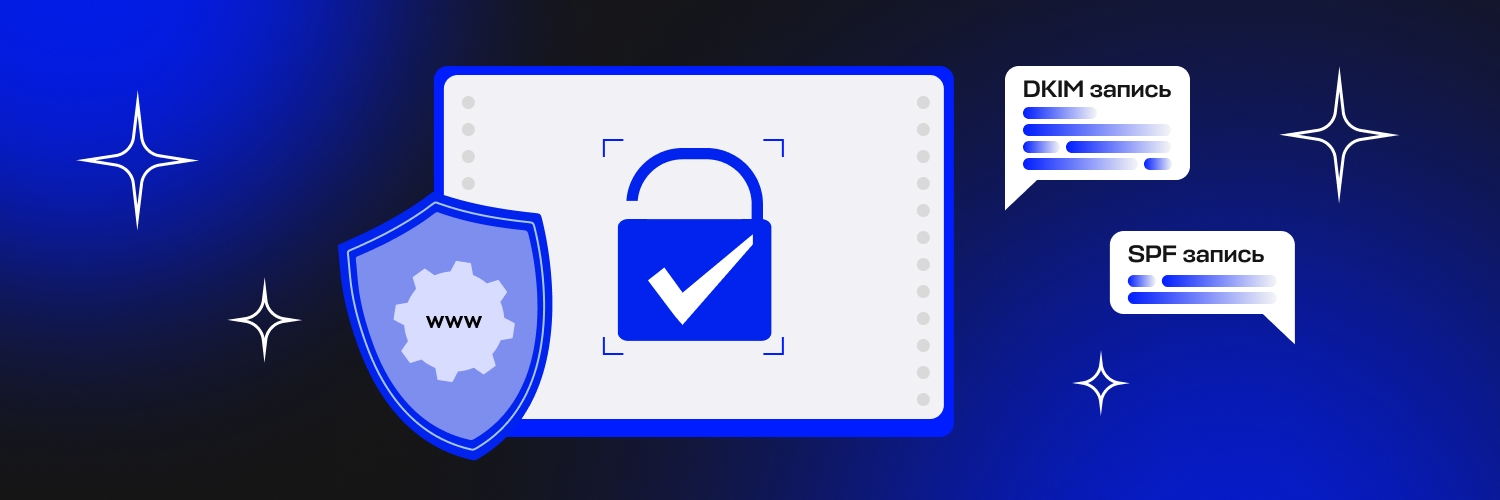

To avoid your campaigns landing in spam, you need to publicly confirm that you allow emails to be sent through the Letteros widget.
To confirm the sender's authenticity and prevent email spoofing, you need to verify your domain for sending emails, known as SPF (Sender Policy Framework) and DKIM (DomainKeys Identified Mail). SPF lets you specify which mail servers are allowed to send emails. DKIM is used to confirm the authenticity of the content.
To pass verification, you need to add the following DNS records to your domain.
DKIM record
typescript
out._domainkey.domain.com TXT v=DKIM1; k=rsa; p=MIGfMA0GCSqGSIb3DQEBAQUAA4GNADCBiQKBgQDCLdYrTXR9EHFuESawjkF3BNFN2eyrgayZ3u4qkrd4+Zy+sZcBuQXk5xcaKjNj7Z9WDoHscyp1oaN+hS3LMdCsZlBC168VUaexQzG10XnTvCIluWEtQAhF5Hoi2u9VJzZtLYcF/QhYlU6ZCbggnbJtdjquIfIHsxVvMzIKuqWo4wIDAQAB
SPF record
typescript
v=spf1 include:spf.letteros.com ?all
If your domain already has an SPF record, you don't need to add a new one for successful verification. It's enough to add include:spf.letteros.com to the existing one. For example:
typescript
@ TXT v=spf1 include:_spf.yandex.net include:spf.letteros.com ?all