
Emails look different in different email clients. The email coder's job is to build the email so that it looks the same, or at least doesn't fall apart, across different clients.
You can use real devices to test rendering. Usually the list of devices is limited to the coder's own computer and phone — about 10% of all possible combinations.
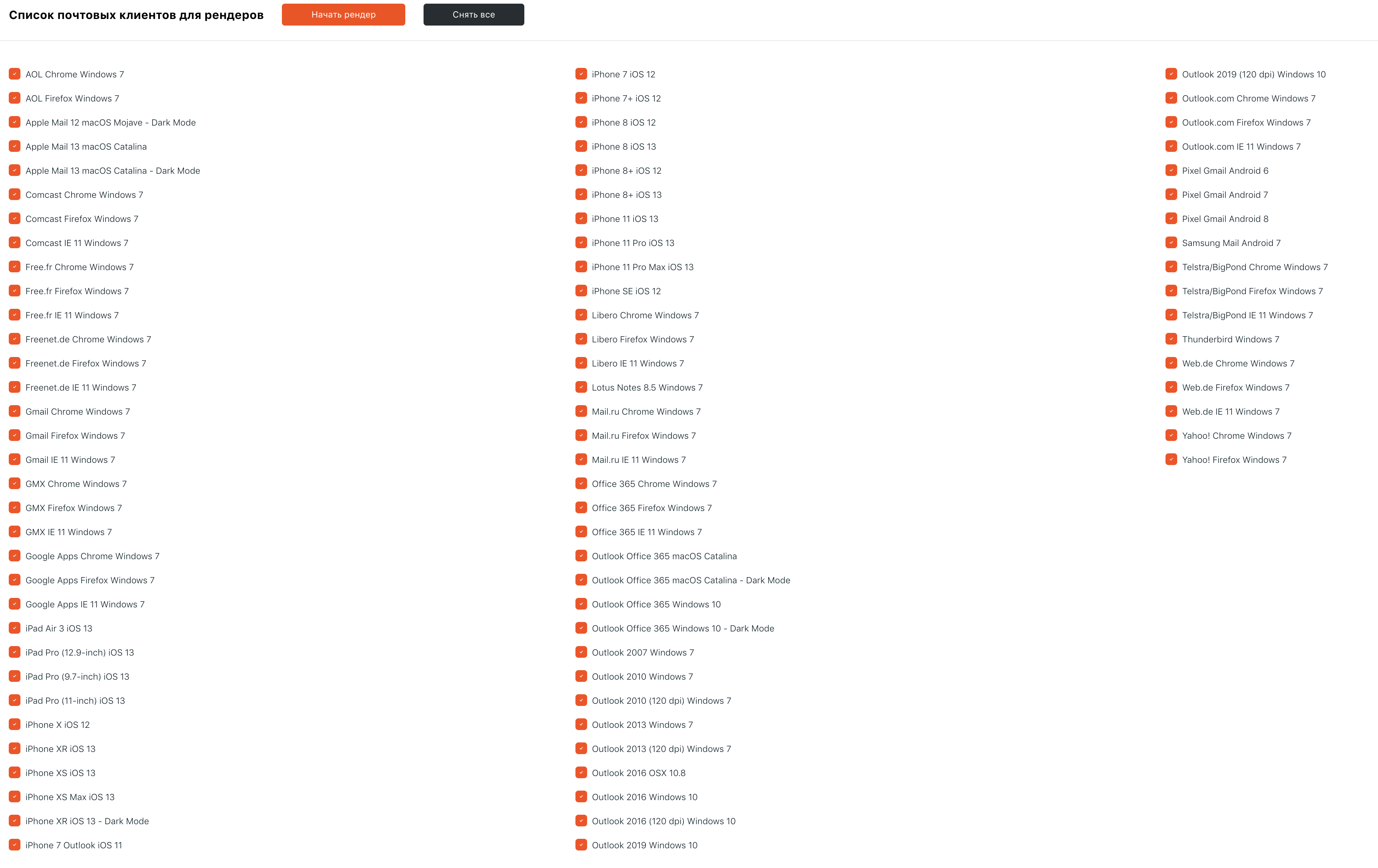
A list of possible clients for testing:

At Letteros, we automate this process: we send the email to a real device and provide a screenshot of the result. Here's an example of such a screenshot:

This option is part of a paid plan, but HTML Academy students get 100 free renders.
To take advantage of this offer, sign up via the link.
How to upload your email and get its render is described step by step in the instructions.