
If you have questions about working with the platform, reach out to Letteros Support. We help with setting up projects and integrations, exporting emails, pricing plans, and other questions.
How to contact support
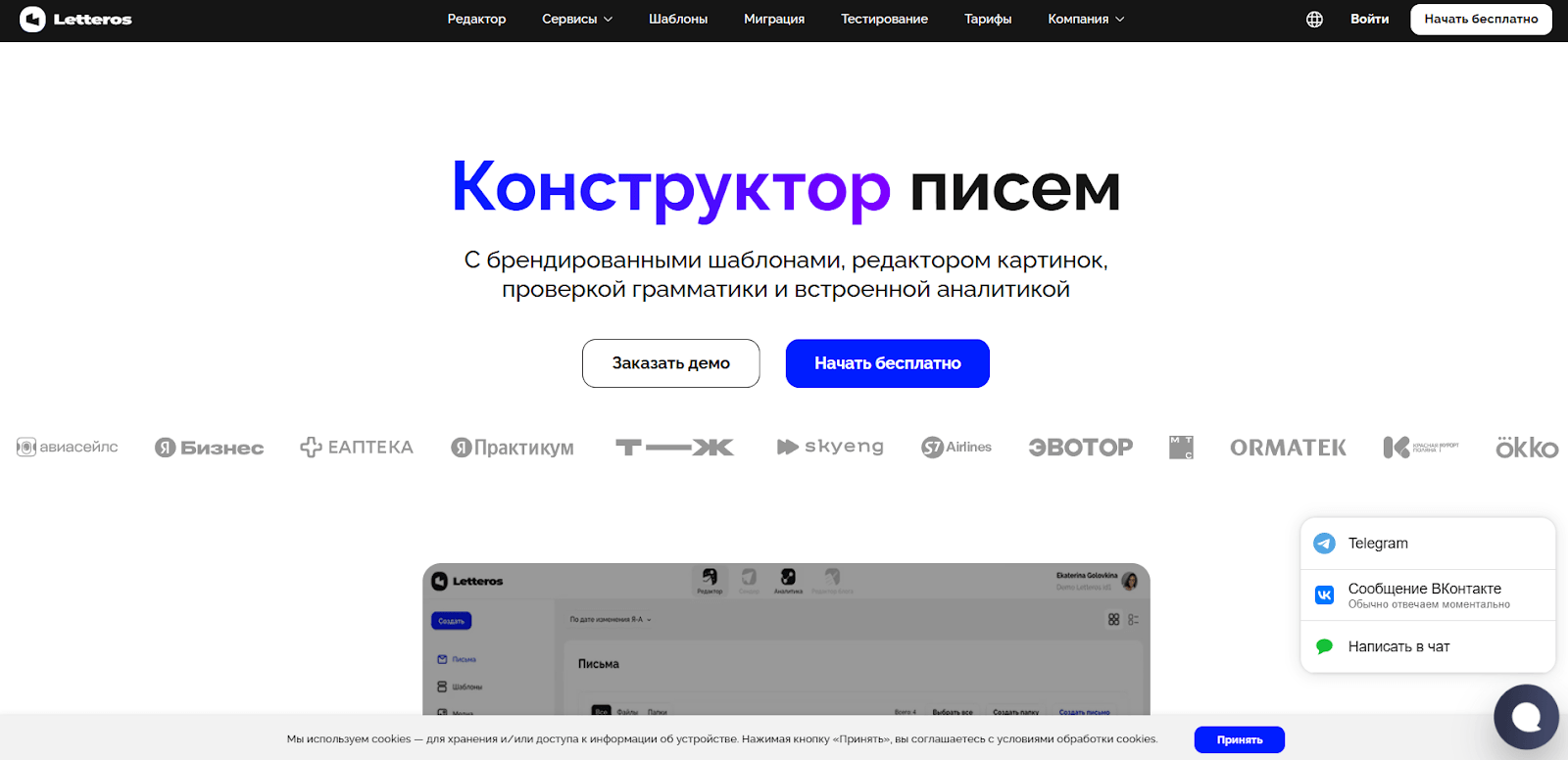
In the bottom-right corner of the Letteros website there is a support widget. Through it you can pick a convenient way to get in touch and message us directly without leaving the site.
Choose the contact method that works for you, describe your problem or question — and our support team will do its best to reply as soon as possible.

Website chat
Good for quick questions about the editor's interface and features. No need to switch to other channels.
Telegram chatbot
Connects you to support right in the messenger. No need to look up an email address or visit the site. Convenient if you already work in Telegram.
VKontakte chat
Connects you to support right in VKontakte. No need to look up an email address or visit the site. Convenient if you already use this social network.
We reply on weekdays from 10:00 to 19:00 Moscow time. The average response time is no more than an hour.
Chat with an account manager on Telegram
A personal manager is assigned to you who knows the context of your project. Message them directly with questions about your plan, templates, or integrations. They respond promptly, with no switching between different specialists.
Google Meet | Zoom
Schedule a call at a convenient time and tell us in advance what you'd like to discuss so the team can prepare. On the call we'll work through complex cases that are awkward to describe in messages.
Corporate training
We'll walk your team through the interface and how to work with templates and modules. Convenient when several people use Letteros at once and everyone needs to be brought up to speed on the platform's capabilities.
Support by plan
Free and Start
Three contact channels are available: website chat, the Telegram chatbot, and email.
Pro
Everything in the Free and Start plans, plus a chat with a personal account manager on Telegram.
Business and Premium
Everything in the Pro plan, plus calls on Google Meet or Zoom and corporate training for your team.
What to include in your request
When contacting support, it's best to send your project ID right away — that way we can get to the bottom of things faster.
You can copy the ID straight from the interface.
- Click your name or avatar in the top-right corner of your account.
- In the block that opens, click the line with the project ID.
- A notification will appear saying the ID has been copied to the clipboard. Paste it into your message to support.

The ID already contains all the information needed. This helps support resolve your question faster.