
Three simple steps and one life hack for the future.
Microsoft's Outlook 2016 has its own quirks that need to be taken into account when creating and sending emails.
It can only render certain HTML elements — this means that the responsiveness of code-built emails disappears. This needs to be taken into account when sending, and you should understand how the email may differ from the browser version.
So you don't have to worry about your email getting distorted beyond recognition and falling apart when sent from the platform, you can upload it directly through Outlook. Here's how to do it.
Instructions
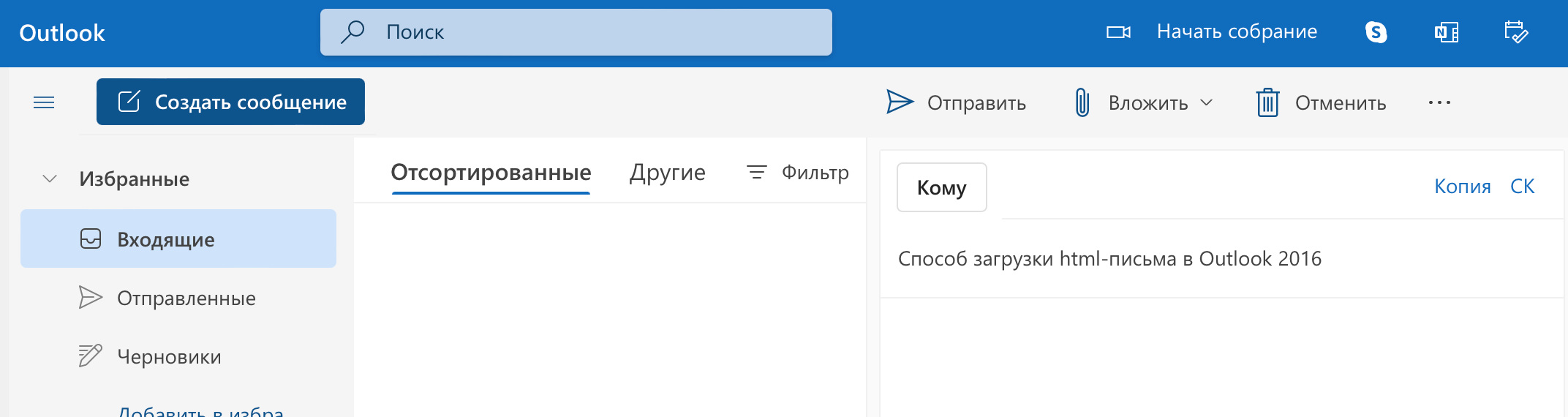
Step 1. Create a new message.

Step 2. Open the HTML file of the finished email. Copy the content by pressing Ctrl+A, then Ctrl+C.

Step 3. Paste the copied file into the message by pressing Ctrl+V.

Done!