
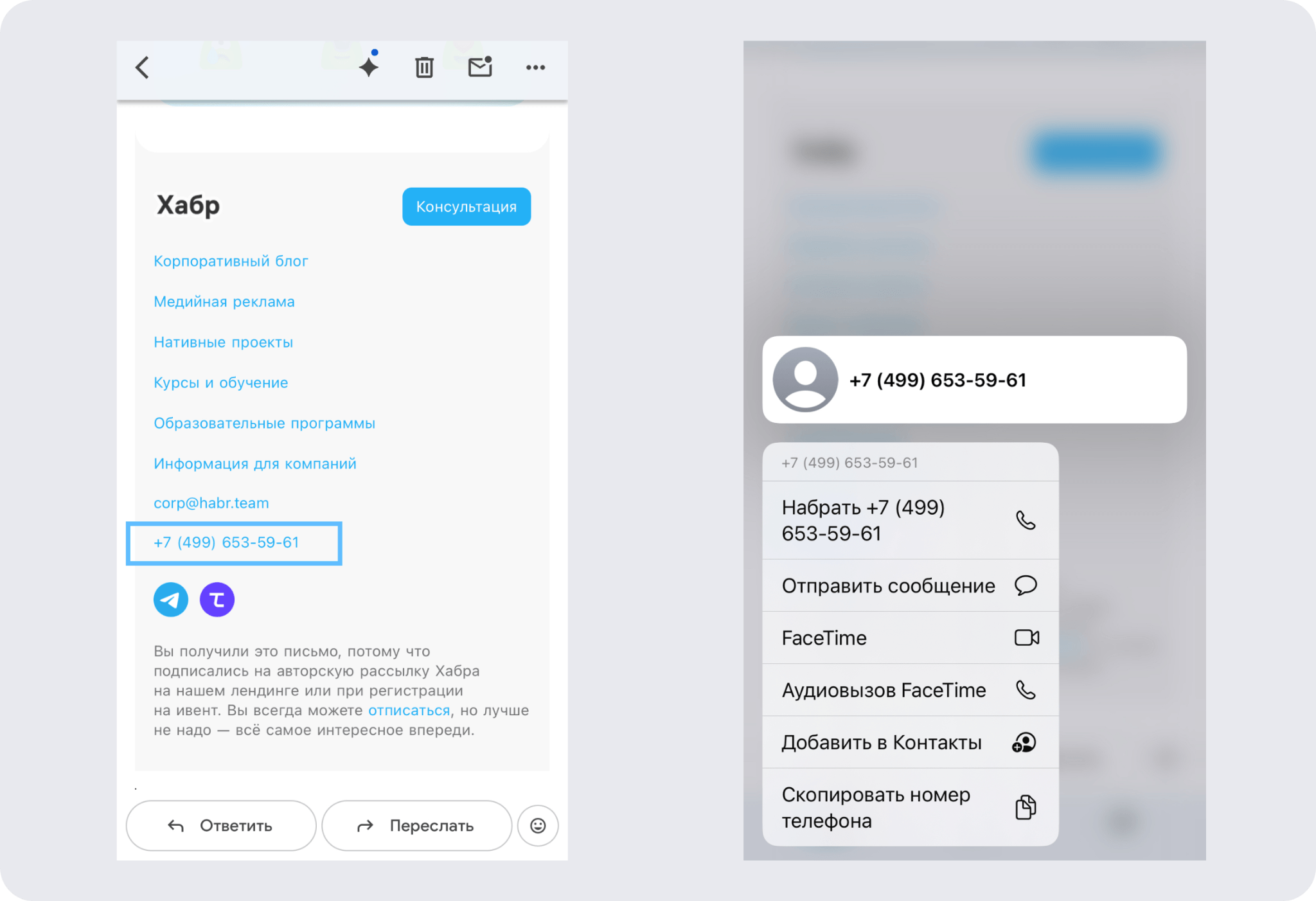
A phone number or email written as plain text in an email is an extra step for the reader. On mobile, they'd have to copy the number, open the phone app, and dial it manually. Most users just won't.
A clickable phone number opens the calling app with a single tap. A clickable email address opens the mail client with the address already filled in. Both are built using the same kind of HTML attributes.
Clickable phone number
The tel: attribute turns text into a call link.
<a href="tel:+74951234567">+7 (495) 123-45-67</a>
Rules for the href attribute:
- Write the number without spaces, parentheses, or hyphens
- Always include the country code with a plus sign: +7
- The visible link text can be formatted however you like
Wrong:
<a href="tel:+7(495)123-45-67">+7 (495) 123-45-67</a>
Right:
<a href="tel:+74951234567">+7 (495) 123-45-67</a>
If you need to add an extension, use the character p for a one-second pause before dialing:
<a href="tel:+74951234567p345">+7 (495) 123-45-67, ext. 345</a>

Clickable email
The mailto: attribute opens the mail client with the "To" field already filled in.
<a href="mailto:hello@letteros.com">hello@letteros.com</a>
You can set the subject line right away:
<a href="mailto:hello@letteros.com?subject=Question about the newsletter">
hello@letteros.com</a>

How to add it to an email
Through the builder. Select the phone number or email in a text block, click the link icon, and enter tel:+74951234567 or mailto:hello@letteros.com.

Through an HTML block. If you need full control over the styling, paste ready-made code using a custom HTML block:
<table cellpadding="0" cellspacing="0">
<tr>
<td style="font-family: Arial, sans-serif; font-size: 14px;
padding-bottom: 4px;">
Ivan Ivanov
</td>
</tr>
<tr>
<td style="font-family: Arial, sans-serif; font-size: 14px;
padding-bottom: 4px;">
<a href="tel:+74951234567"
style="color: #000000; text-decoration: none;">
+7 (495) 123-45-67
</a>
</td>
</tr>
<tr>
<td style="font-family: Arial, sans-serif; font-size: 14px;">
<a href="mailto:hello@letteros.com"
style="color: #000000; text-decoration: none;">
hello@letteros.com
</a>
</td>
</tr>
</table>
text-decoration: none removes the underline. color: #000000 keeps the text color as-is; without it, links will turn blue and break the look of the signature.
Common mistakes
Mistake | Wrong | Right |
|---|---|---|
Hyphens in the number inside href | tel:+7-495-123-45-67 | tel:+74951234567 |
No colon after tel | tel+74951234567 | tel:+74951234567 |
No quotes around the attribute | href=tel:+74951234567 | href="tel:+74951234567" |
No country code | tel:4951234567 | tel:+74951234567 |
An important note about Outlook
Clickable phone numbers don't work in desktop Outlook — the client doesn't recognize the tel: attribute. In mobile Outlook, Gmail, and Yandex Mail, everything works correctly. Your signature should still look fine even without clickability, in case a reader opens the email in desktop Outlook.