

What is a master email template
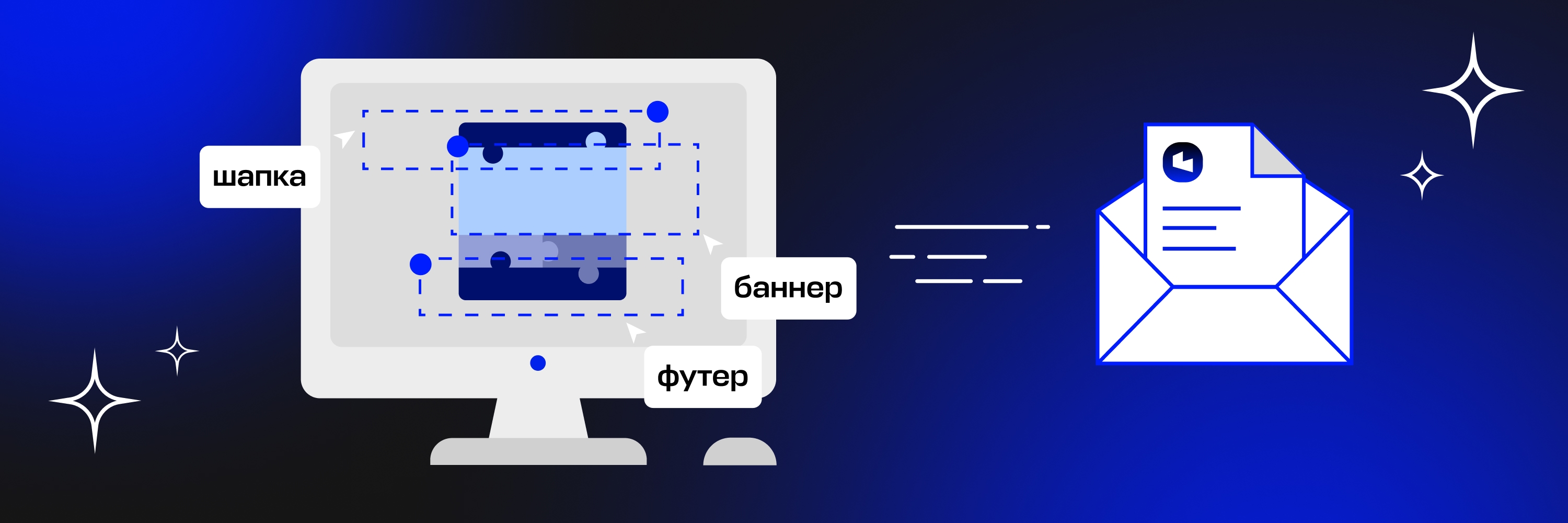
It's a universal layout with a ready-made design and blocks that can be used to build any type of email: regular newsletters, promos, welcome sequences, and other emails. It's the foundation for a company's future campaigns.In a master template, we usually build out different headers and footers, buttons and spacing, as well as the design of various body blocks. There can be several variants of the main banner, as in this example of a template for the newsletters of the School of Innovation and Creative Thinking IKRA.

The content blocks that often make up the middle of an email can also vary — with a heading or without, with bullet points or an author block. During development, we discuss with the client in advance exactly which blocks will be needed and create several design variants so the newsletter can be kept varied.

There are countless ways to place illustrations in the body of an email. You can create a product carousel, use several columns, or simply add a full-width image with a backing.

A master template is, above all, convenient. It saves time and effort when preparing a new email: you only need to swap out the content and banners, add links, and write a new subject line and preheader. The template also solves another important task — it systematizes the design.
How we create branded templates
Say a client comes to us wanting to create a master template for their company's newsletters. Where do we start?
First, we analyze their current campaigns, along with emails from competitors and other companies in the same industry. This is necessary to put together a brief — the number of blocks along with descriptions.
Before starting work, we request brand guidelines, vector logos, and other materials from the client that might be useful for creating the master template. We agree on the brief with them and get to work.
Stage one. Gathering references
Work on the master template starts with gathering strong design examples: we look at Russian and international campaigns in a similar niche, pick out what we consider the best ones, and put it all together in Figma.
Next, the designer and account manager leave comments in Figma about what they think works well and why, from both a design and an email marketing perspective.
We allocate three days for the first stage: two for gathering references and one for discussion and a call with the client.
Stage two. Developing the blocks
What color will the buttons be? What size? What will they look like? When should filled elements be used, and when outlined ones? Where does it make sense to add animation? Answering these questions, the designer works through every element of the email — fonts, headings, colors — guided by the brand book or the company's website.
Once all the elements are drawn, we move on to the mobile version and dark theme of the email. We need to show what everything will look like on a smartphone, the various ways different blocks can adapt, and examples of any animation we've planned.
At this stage, it's important to identify some interesting feature that both stays true to the company's style and helps this newsletter stand out from others.
This stage takes us about a week. The design mockup is usually ready after 3–4 days, and we need another day or two for approval and any possible revisions.
Stage three. Presentation
Now we schedule a joint call with the client, where the designer and project manager present the mockup. After all revisions and approvals, we move on to the next stage.
Stage four. Coding the template
The template is coded in HTML, after which the developer tests how it displays across all email clients.
We allocate a week for coding and testing the email.
After that, the project manager tests the final markup and arranges a call with the client to present the result. From here, there are two possible paths.
If the template will be used in Letteros. The project manager creates an account for the client and uploads the finished template.
If the template will be used outside the editor. We send test emails to the client's addresses. At the final call, we present the master template to the client.
Take a look at the template we built for Eapteka's newsletters, designed for integration into the platform.
Need help with a branded template? No problem. Reach out, and we'll help you build one.